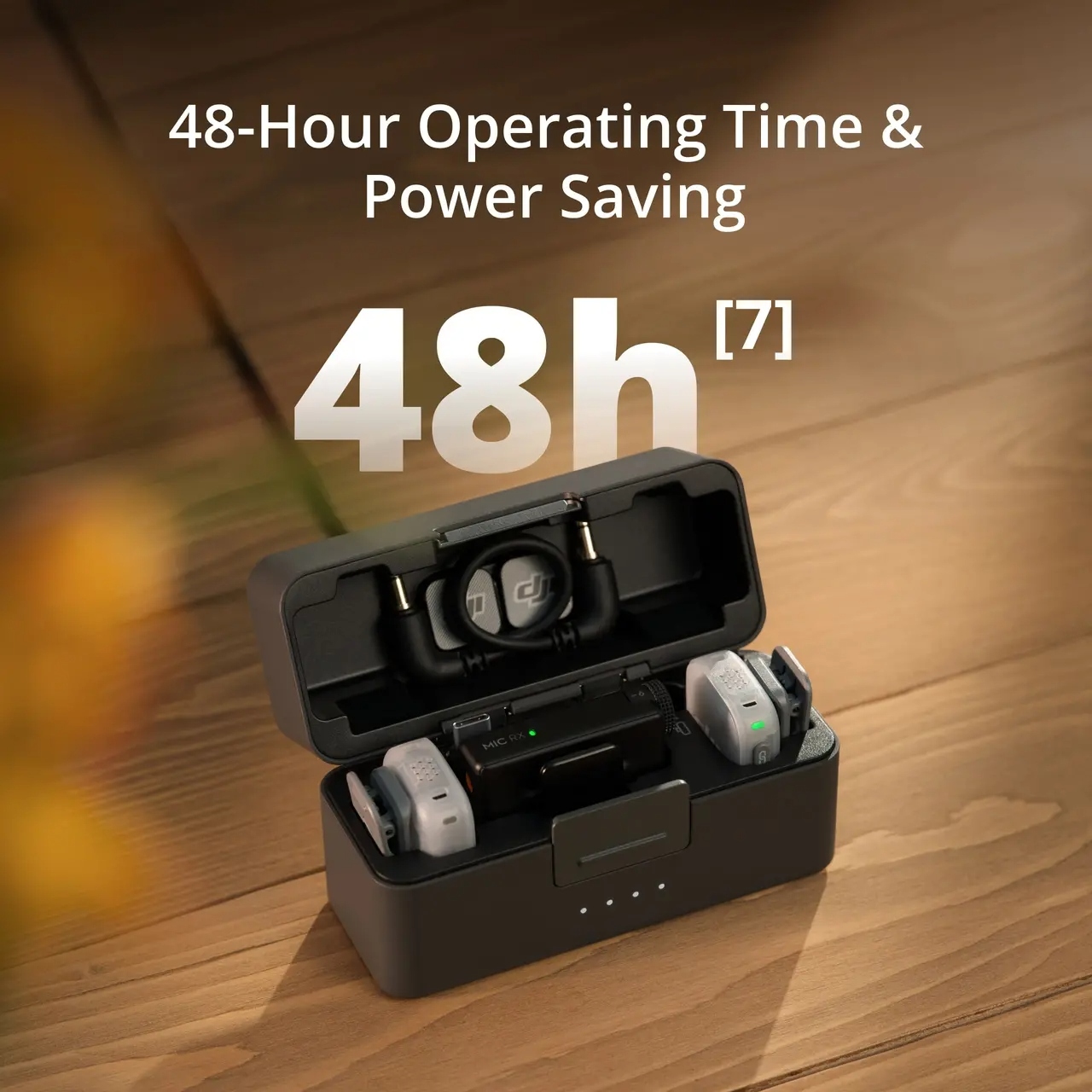
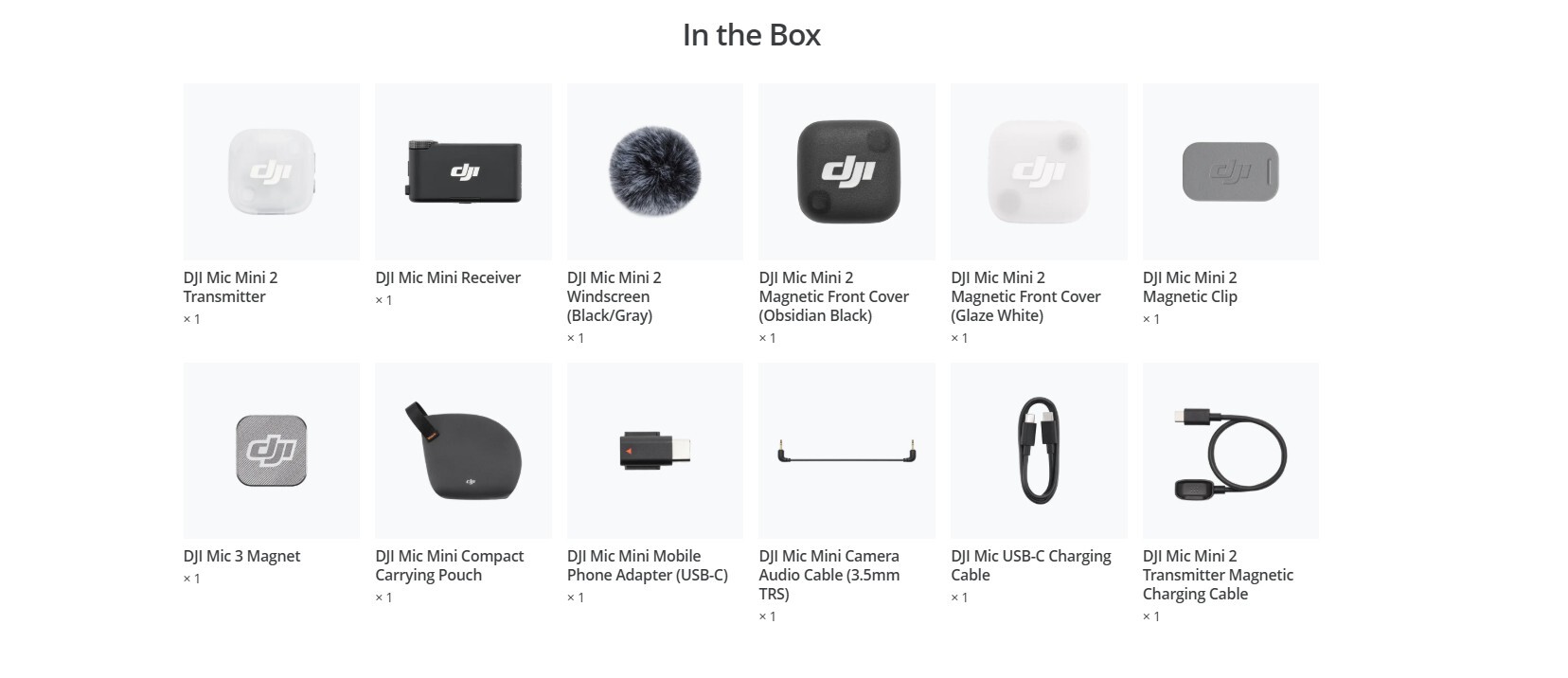
1. The charging case can store transmitters with the windscreen and magnetic front cover installed, and also with the magnet or magnetic clip attached. Inside the charging case lid, you can store the magnet and magnetic clip, or audio adapter cable. When storing the DJI Mic Series Mobile Receiver, the left side inside the charging case lid can store the magnet or magnetic clip, while the right side can store only the magnet.
To prevent product damage, avoid stacking items in the charging case.
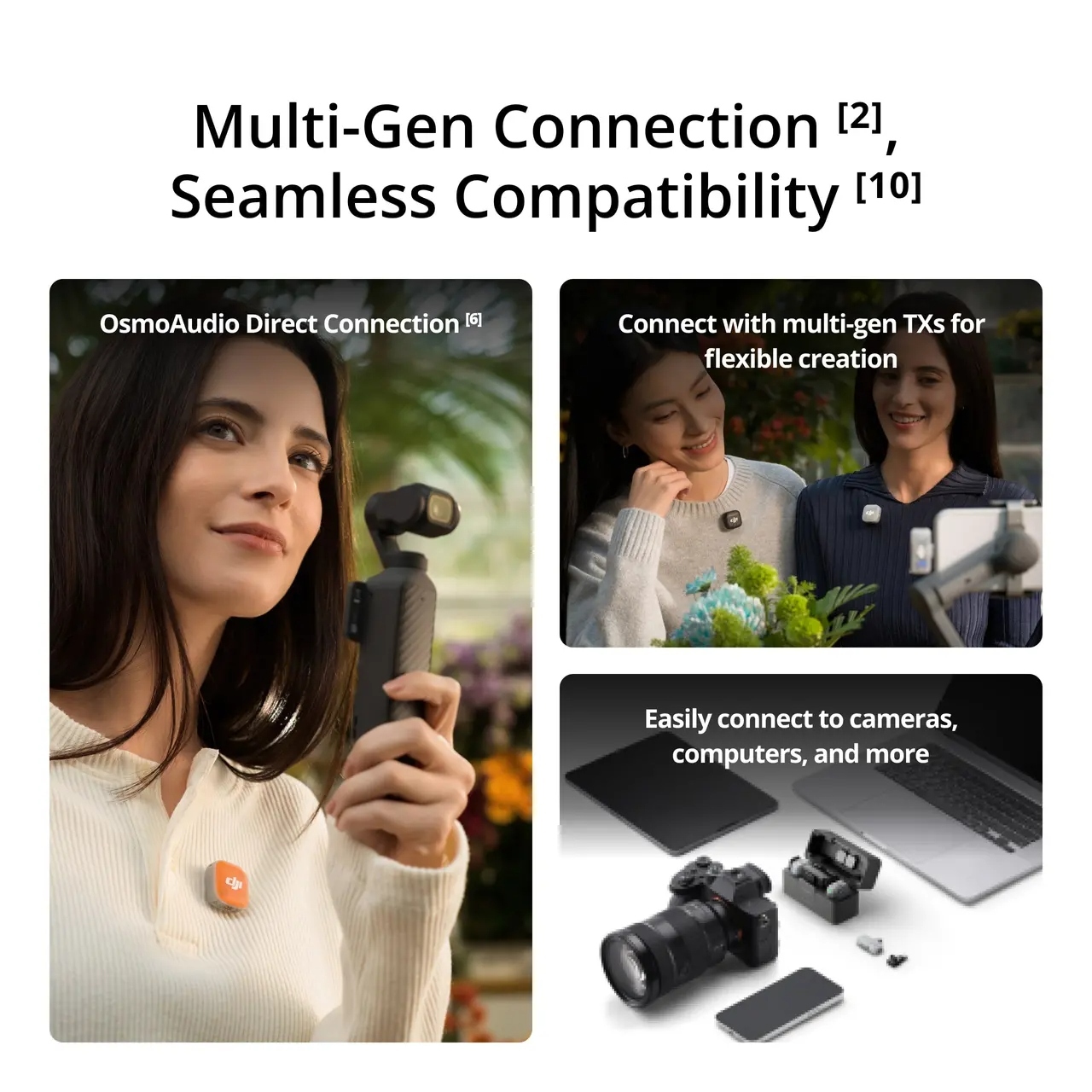
2. The DJI Mic Mini Receiver supports mixed connection with DJI Mic Mini or DJI Mic Mini 2 transmitters, with up to two transmitters connected at once. The DJI Mic Series Mobile Receiver supports mixed connection with DJI Mic 2, DJI Mic 3, DJI Mic Mini, or DJI Mic Mini 2 transmitters, with up to two transmitters connected at once.
For details, please visit the Downloads page of the DJI Mic Mini 2 website for the DJI Mic Series Mobile Receiver Cross-Model Compatibility List.
3. The Voice Tone Preset modes can be selected via the DJI Mimo app, with the default set to Regular. This function is not supported when the transmitter is directly connected to a phone via Bluetooth.
4. Strong and Basic noise cancellation levels can be set via the DJI Mimo app, or directly on the product interface when using an Osmo Pocket 3, Osmo 360, Osmo Nano, or Osmo Action 6 connected to one or more transmitters via DJI OsmoAudio Direct Connection. When the transmitter directly connects to the phone, the noise cancellation level cannot be adjusted in the DJI Mimo app; it defaults to the Strong level. The noise cancellation switch on the DJI Mic Series Mobile Receiver allows quick adjustment of noise cancellation levels (Off = O, Low = L, High = H).
5. When the DJI Mic Mini 2 Transmitter is connected to the DJI Mic Mini Receiver/DJI Mic Series Mobile Receiver, this feature is enabled by default and can be turned on/off via the DJI Mimo app. When the transmitter is directly connected to a phone via Bluetooth, this feature is enabled by default and cannot be turned off. When an Osmo Pocket 3, Osmo 360, Osmo Nano, or Osmo Action 6 is connected directly via OsmoAudio, settings can be adjusted on the product interface.
6. The DJI Mic Mini 2 Transmitters can directly connect to select DJI products (up to two TX for Osmo Pocket 3, Osmo 360, Osmo Nano, and Osmo Action 6). The transmitter's operating time is approx. 7 to 8 hours when directly connected. Additional DJI products will be supported in the future.
For details, please visit the Downloads page of the DJI Mic Mini 2 website for the OsmoAudio Compatibility List.
7. Measured using DJI Mic Mini 2 (2 TX + 1 RX + Charging Case) paired with a fully charged charging case, with noise cancellation off, during close-range audio recording under open, interference-free, unobstructed conditions, with both transmitters connected to the receiver and the receiver connected to a camera via the Camera Audio Cable (3.5mm TRS).